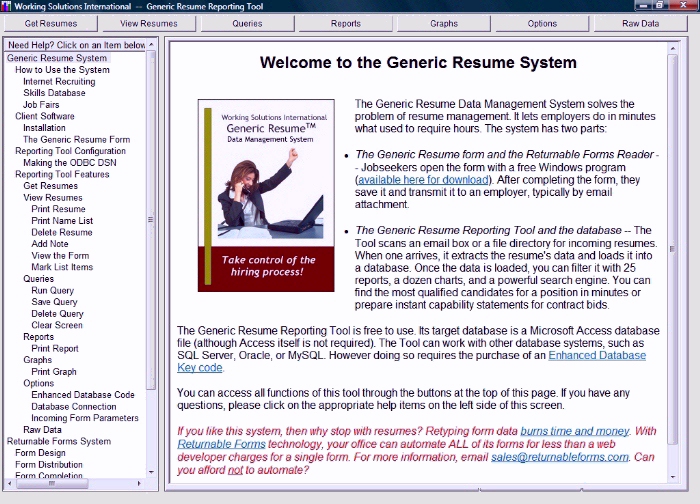
The Generic Resume Reporting Tool searches an email box for resume forms, extracts them, and loads their data into the system's database for analysis. All this is done by pressing the Get Resumes button on the main menu below:
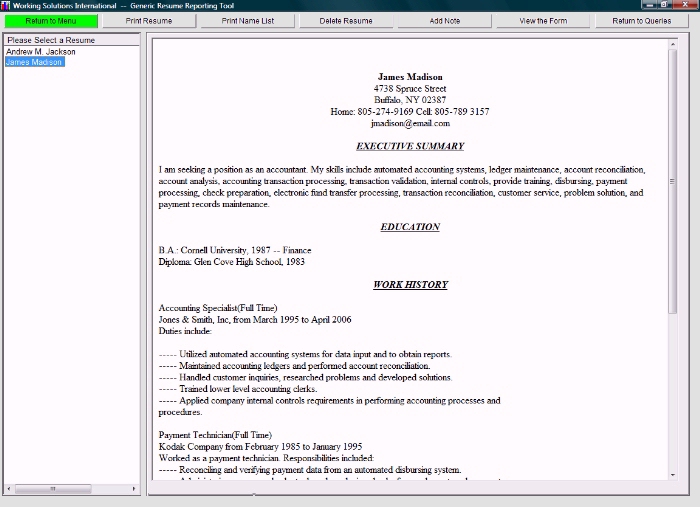
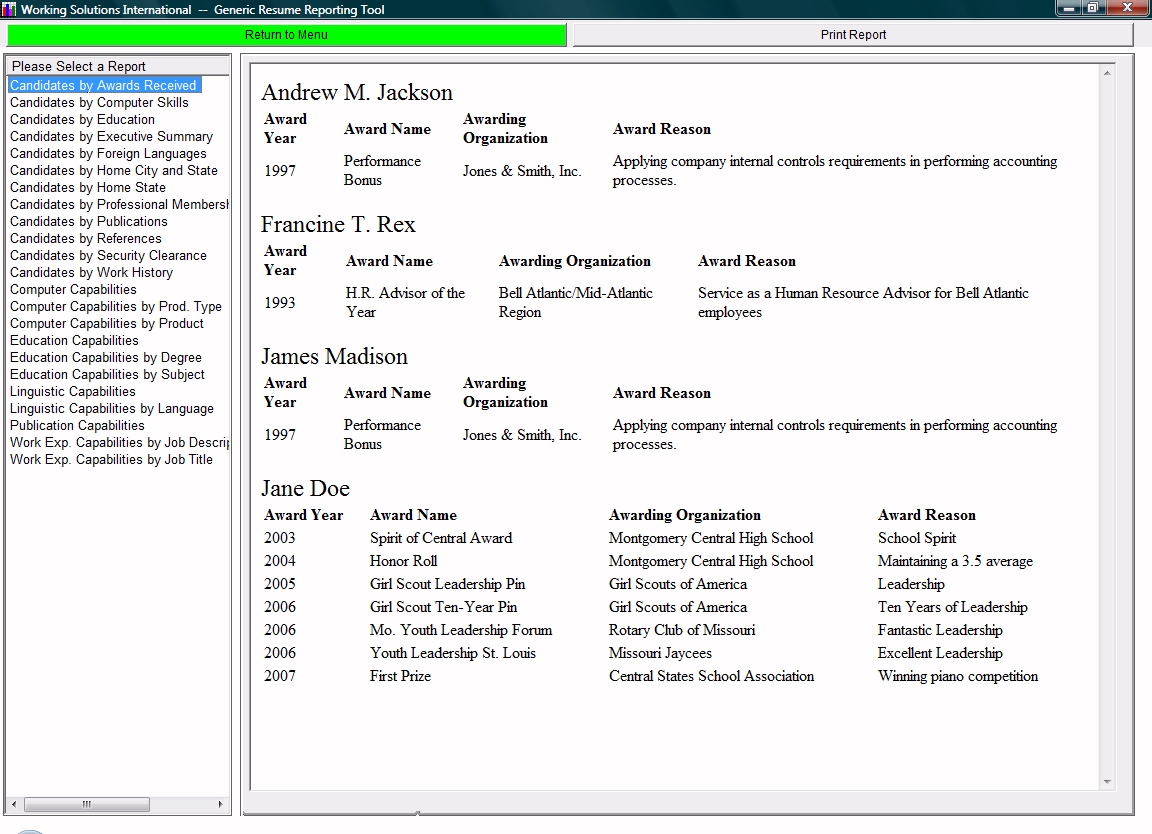
Once the loading is done, recruiters can view the data in many ways. The
reporting tool has 23 standard reports
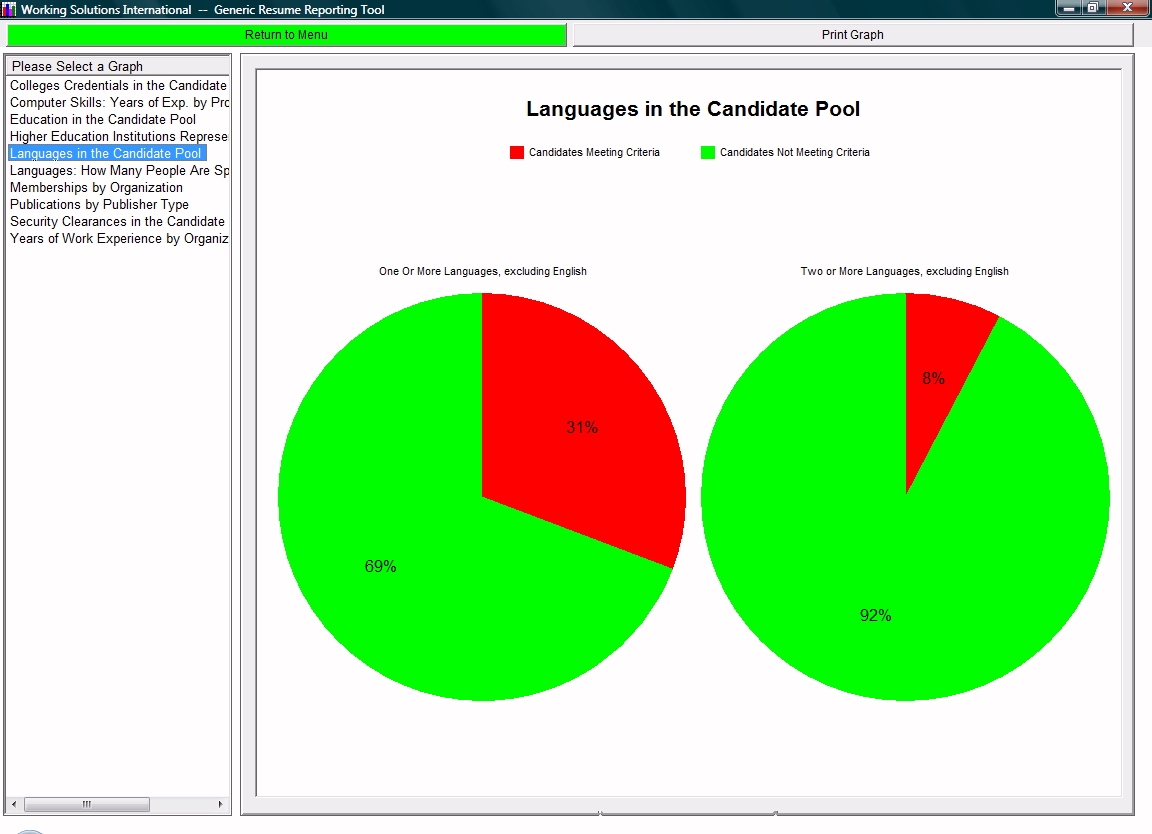
that compare candidates by specific aspects. It also has 11 chart
reports, illustrating quantitative aspects of the overall
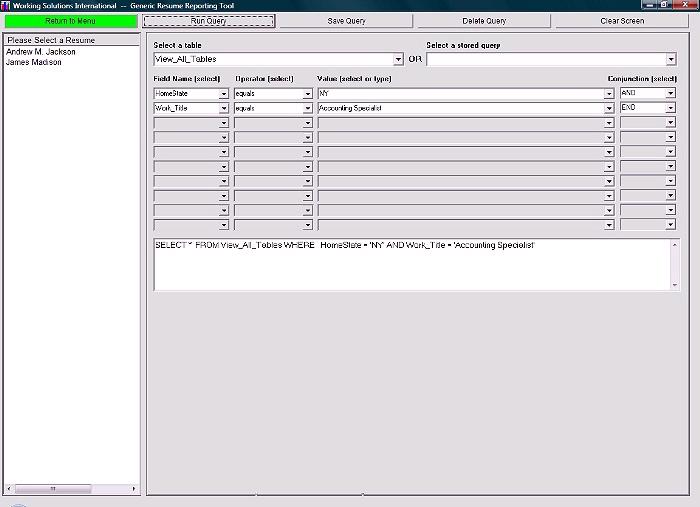
candidate pool. However, the most important feature is the Query feature, shown below. With
it, one can devise unique selection criteria to screen
the candidates.
As the screen makes clear, the program translates the
selections, in plain English, into the database
query syntax. People familiar with SQL can write other, more complex queries.
|
| Home | Returnable Forms | Generic Resumes | Downloads | Pricing & Ordering| Contact| Privacy Policy |