Working Solutions International
www.worksol.net
www.ReturnableForms.com
www.GenericResumes.com
| |
Use the Form Designer program to create the form.
You can design a Returnable Form 10 times faster than
its HTML equivalent because --
- There is no coding -- not even when adding
buttons to perform custom functions. Wizards walk users through any
complex tasks.
- Returnable Forms build and populate
their own databases automatically, based on a form's structure and its fields. No
time is spent writing form-database mapping code.
- Returnable Forms have total print
integrity, so no time is spent adjusting web pages for printing.
- In case of multi-page forms, such as employment applications,
page transitions are
automatic and handled inside the Form Reader.
Click
here for a video showing a form being completely designed in eight
minutes.
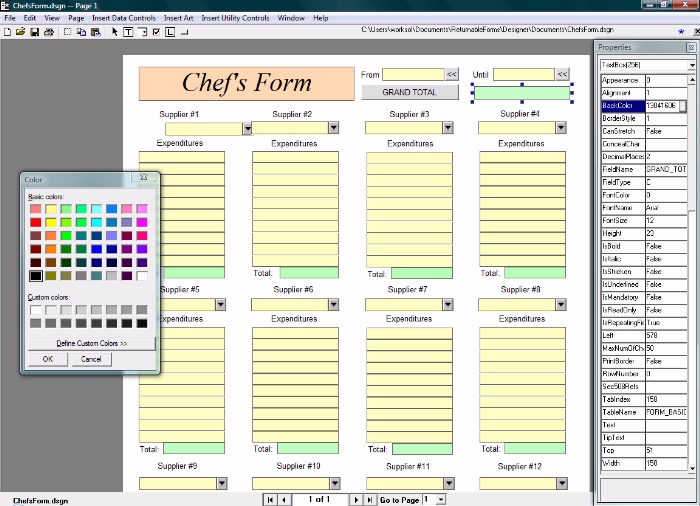
Once the document is completed, you save it in two forms: a design (*.dsgn) document, which can be edited, and a Returnable Form (*.rtn), where the layout is fixed.
| |